Google Business Profile: the free tool most Costa Blanca businesses use wrong
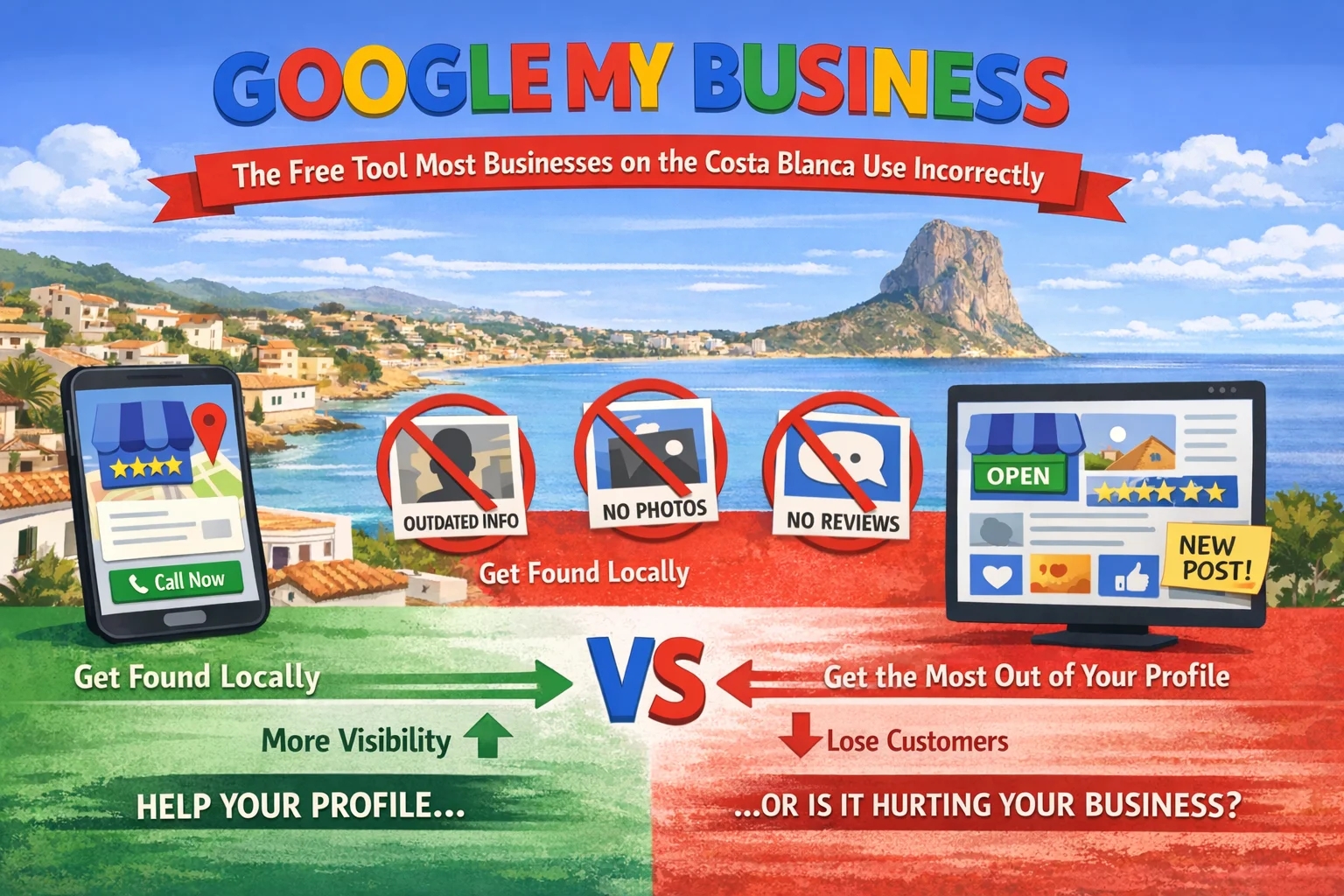

If you run a business on the Costa Blanca and want more clients finding you through Google, there's one free tool that makes more difference than almost anything else. Most businesses have it. Most use it wrong.
Google Business Profile: the free tool most Costa Blanca businesses use wrong
If you run a business on the Costa Blanca and want more clients finding you through Google, there's one free tool that makes more difference than almost anything else.
It's called Google Business Profile.
Most businesses have heard of it. Many have set it up at some point. But a surprising number are leaving most of its potential completely unused: either because the profile is incomplete, because it was set up years ago and never touched again, or because they didn't realise just how much it influences what Google shows to people searching locally.
Here's what it actually is, why it matters, and exactly what to do with it.
What Google Business Profile is
Google Business Profile is the free listing that appears when someone searches for your business by name or searches for a service in your area.
You've seen it. When you search "restaurant Moraira" or "plumber La Nucia" or "hairdresser Altea," a box appears near the top of results showing 3 local businesses on a map, with their name, rating, address, and opening hours. That's the local pack. It's powered entirely by Google Business Profile.
Getting into that box matters. Most people click one of those 3 results before they scroll further. If you're not there, you're invisible to everyone who searched that way.
Google's official Business Profile documentation covers the technical setup in full. This guide focuses on what actually makes the difference in a local market like the Costa Blanca.
Step 1: claim and verify your profile
Go to business.google.com. Search for your business. If it appears, claim it. If it doesn't, create it.
Google will ask you to verify that you're the owner. The most common method is a postcard with a code sent to your business address. This takes a few days. Don't skip it: an unverified profile has limited visibility and can be edited by anyone who claims to represent the business.
Step 2: choose the right primary category
This is one of the most important decisions in the whole profile. Google uses your primary category to decide which searches your business should appear for.
"Web designer" is too broad. "Web design company" is better. If you specialise in something specific, like real estate websites or multilingual sites for expats, that specificity matters. Choose the category that most precisely describes your main service.
You can add secondary categories for additional services. But the primary category is what determines most of your local pack eligibility.
Step 3: fill in every section
Hours, address, phone number, website, services, attributes. All of it. Completely.
Incomplete profiles rank lower. They also lose potential clients who find the profile but can't get basic information from it. A business with no listed hours loses every visitor who wonders if you're open.
For the description, write 2 or 3 sentences that explain what you do, who you serve, and where. Include your main service and the Costa Blanca towns you cover. "Web designer based in La Nucia, building professional websites for businesses across Altea, Calpe, and Javea" is far more useful than "We are a web design company."
Step 4: add real photos
Profiles with photos get significantly more clicks than profiles without them. That's been consistently documented in Google's own data.
At minimum: a photo of your premises or workspace, a photo of you or your team, and photos of your work or service in action. Update them periodically. An active profile signals to Google that the business is operating.
For real estate agencies, property photos on the GBP profile draw buyers who are researching before they even visit the website.
Step 5: ask for reviews consistently
Reviews affect your position in the local pack. The number of reviews matters. The average rating matters. How recently they were left matters. And whether you respond to them matters.
Most satisfied clients won't leave a review unless you ask. The easiest way is to send them the direct link to your Google review page after a successful job. A WhatsApp message with the link, sent within a day or 2 of completion, converts well.
When a review comes in, respond to it. Positive or negative. A brief, genuine response to a positive review reinforces trust. A professional, calm response to a negative review often does more for your reputation than the negative review itself damages it.
Step 6: keep the NAP consistent everywhere
NAP: Name, Address, Phone number. Google cross-references your business details across every directory, listing, and mention it can find.
If your address is written differently on your website, on Facebook, on Páginas Amarillas, and on your GBP profile, Google registers inconsistency. Inconsistency reduces trust in the listing. Reduced trust means lower rankings.
Check every place your business appears online. Make the name, address, and phone number identical everywhere. Word for word.
What most businesses get wrong
Setting it up and never touching it again. A profile that was created in 2021 and hasn't been updated since signals to Google that it might not be accurate. Add photos regularly. Respond to reviews. Use the posts feature occasionally to share updates or relevant content.
The businesses ranking at the top of the local pack on the Costa Blanca in 2026 are the ones that have been consistently active on their profile. It's not complicated. It just requires doing it.
For everything beyond GBP, the full local SEO guide for the Costa Blanca covers what else actually moves the needle.
If you want help setting up or improving your Google Business Profile, send me a message on WhatsApp and I'll take a look at where things stand.
Read more: